Golf Games for Chromebook
The best golf games for a Chromebook are usually the ones that run in the Chrome browser. Chromebooks are built around the browser, so a browser game opens instantly, runs smoothly on modest hardware and needs no installing. Android apps and cloud gaming are options too, with a few catches.
Here's how the choices compare and what to look for.
Your three options on ChromeOS
| Option | How it works | Good for | Watch out for |
|---|---|---|---|
| Browser games | Open a website in Chrome | Instant play on any Chromebook | Pick games made for a keyboard or touchpad |
| Android apps | Install from Google Play | Phone golf games on a bigger screen | Not on every model; some apps expect a touchscreen |
| Cloud gaming | Stream a game in the browser | Big 3D games on light hardware | Needs a subscription and a fast, steady connection |
Some Chromebooks can also run Linux apps, but that's a project for enthusiasts rather than a quick way to play golf.
Browser golf games: the natural fit
A browser game is the least fuss on a Chromebook. There's nothing to install, nothing to update, and it uses very little storage, which matters on models with small drives.
What to look for:
- Light graphics: 2D and pixel-art games run well even on budget Chromebooks. Heavy 3D games may stutter.
- Keyboard or touchpad controls: a single key or click to swing beats aiming with a fiddly touchpad.
- Short sessions: good for a break between tasks.
- Saved scores: an account means you can switch between a Chromebook and a phone.
If your Chromebook has a touchscreen or flips into tablet mode, games built for phones work nicely too.
Android golf apps
Most recent Chromebooks can install Android apps from Google Play. That opens up the big phone golf games. Many work fine, but some are designed only for a phone held upright, and they can look stretched or awkward in a laptop window. Performance depends on your model, so a heavy 3D game may run better on a phone.
Cloud gaming
Cloud services stream a game from a remote computer to your browser, so even a cheap Chromebook can show a big 3D golf sim. You need a subscription, the specific game has to be supported, and a weak connection causes lag, which is a problem for timing a swing. Check what each service currently supports before you sign up.
School and work Chromebooks
Managed Chromebooks are set up by an administrator, who may block Google Play, certain websites or games entirely. If something won't load on a school or work Chromebook, that's likely the reason. Please don't try to get around those rules; play on your own device or during breaks where it's allowed. For ideas that fit a working day, see browser games to play at work.
Tips for golf games on a Chromebook
- Close other tabs before playing. Chromebooks with little memory slow down with lots of tabs open.
- Use full screen (the full-screen key on the top row) for a bigger view of the course.
- Plug in for long sessions, as games use more battery than browsing.
- Use one key for timing if the game allows it. It's more consistent than tapping a touchpad.
- Turn down effects if a game offers settings for motion or screen effects.
Playing Mashy on a Chromebook
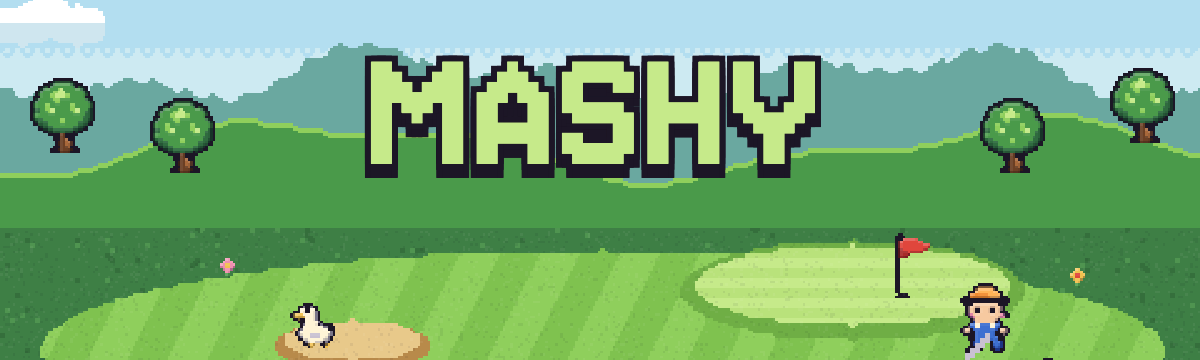
Mashy runs in the browser, so on a Chromebook it's just a website: open it in Chrome and tap TEE OFF NOW to start a round as a guest. It's pixel art, so it suits modest hardware. On a keyboard, the Space bar swings with a three-tap meter: start, set the power, then strike as the marker comes back to the sweet spot. Putting is drag and release with the touchpad or a finger.
Each course is nine short holes with irons, wedges and a putter, so a round fits a lunch break. The Settings menu lets you switch off scanlines, flyovers and zooms, and turn the sound down. Logging in with an emailed six-digit code saves your scores across devices.
Choosing a game for your setup? See golf games for your phone browser and golf games on a Mac with no download.
Frequently asked questions
Can you play golf games on a Chromebook?
Yes. The easiest way is a browser golf game, which runs in Chrome with nothing to install. Most recent Chromebooks can also install Android golf apps from Google Play, and cloud gaming services can stream bigger 3D games, though those need a subscription and a good connection.
Can Chromebooks run Steam or PC golf games?
Not in the usual way. Chromebooks don't run standard Windows games, so most PC golf games won't install. Some can be played through cloud gaming services in the browser, and some models can run Linux software, but browser games and Android apps are far simpler.
Why won't a game load on my school Chromebook?
School and work Chromebooks are managed by an administrator who can block websites, games and the Play Store. If a game doesn't load, it has probably been restricted. Respect those rules and play on a personal device or at a time and place where it's allowed.
Do browser games work offline on a Chromebook?
Most online browser games need an internet connection, at least to load, and anything with leaderboards or saved scores needs one to sync. If you'll be offline, check whether a game says it supports offline play before relying on it.
Is Mashy good for a low-spec Chromebook?
Mashy is a 2D pixel-art game that runs in the browser, so it's much lighter than a big 3D golf game. If it ever feels slow, close other tabs and turn off flyovers, zooms and scanlines in Settings. The Space bar swings, so you don't need a touchscreen.